 AR
AR
Add Qdrant vector database client
arakoodev/EdgeChains#566
/claim #273
Summary
- Add a dependency-free Qdrant REST client under the existing JS SDK
vector-dbpackage. - Export
Qdrantand TypeScript types alongsideSupabase. - Support collection creation,
insertVectorData/upsert,getDataFromQuery/search,getData/scroll,getDataById,updateById, anddeleteById. - Add mocked Vitest coverage for REST request shapes and result handling.
- Add a runnable dry-run example under
JS/edgechains/examples/qdrant-vector-db.
Requirement Checklist
- Qdrant support added to JavaScript SDK vector database package: yes
- Qdrant REST API used directly: yes
- No Qdrant npm package introduced: yes
- EdgeChains classes/types exported from
vector-db: yes - Tests included: yes
- Runnable example included: yes
- Short demo included in this PR: yes
- CLA signed and CI passing: yes
Validation
npx vitest run src/vector-db/src/tests/qdrant/qdrant.test.tsnpm run buildnpm startfromJS/edgechains/examples/qdrant-vector-db
Demo
Short demo GIF:
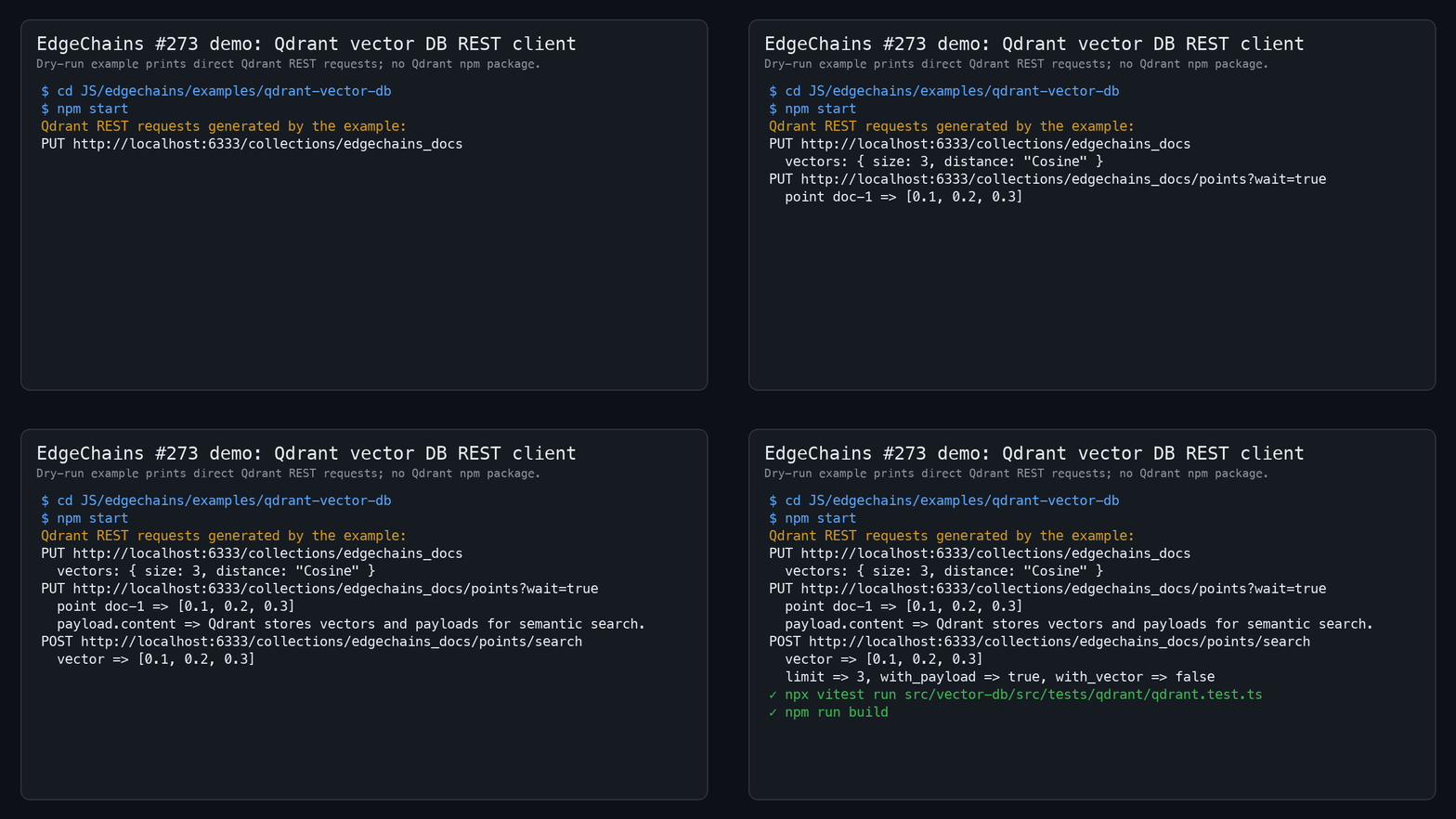
The example uses a mock HTTP client and prints the Qdrant REST requests it would send for collection creation, vector upsert, and search. It does not use any Qdrant npm package.
Full demo transcript, included so the output remains reviewable even if GitHub clips the embedded media:
EdgeChains #273 demo: Qdrant vector database client
Dry-run example; no Qdrant server or Qdrant npm package required.

$ cd JS/edgechains/examples/qdrant-vector-db
$ npm start

Creating collection:
PUT /collections/edgechains_docs
vectors.size = 3
vectors.distance = Cosine

Upserting vectors:
PUT /collections/edgechains_docs/points
points[0].id = doc-1
points[0].payload.text = EdgeChains supports direct Qdrant REST calls.

Searching:
POST /collections/edgechains_docs/points/search
vector = [0.12, 0.25, 0.87]
limit = 3

Search results:
doc-1 score=0.98 text="EdgeChains supports direct Qdrant REST calls."

✓ npx vitest run src/vector-db/src/tests/qdrant/qdrant.test.ts
Claim
Total prize pool
$30
Total paid
$0
Status
Pending
Submitted
May 28, 2026
Last updated
May 28, 2026
Contributors
 JO
JO
jonahsills
@jonahsills
Sponsors
AR
Arakoo.ai
@arakoodev
$30